Bloglution : How to Blog
Showing posts with label BLOGGER WIDGETS. Show all posts

Friday, 19 July 2013

How to Add Blockquote/Code Box For Posting Codes in Blogger (Blogspot) Blog ?

Many times I had discussed the importance of ‘blog looks’ which plays an important role in increasing your blog audience, you, yourself had witnessed many times that messy blogs are ignored by visitors, instead, the blogs which have a cleaner and professional look are visited again and again. Professionalism is an important factor which have to be kept in mind when blogging as a pro blogger. This article is for those bloggers who are engaged in posting different codes on their blog whether it’s HTML, CSS or anything. Codes without blockquote look messy and unattractive like a dull diamond. This blockquote which I am going to show you is used by many pro bloggers. So, let’s see how to add it.
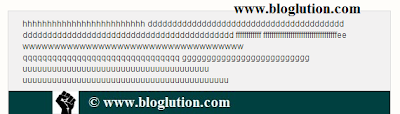

Blockquote for Blogger


Saturday, 13 July 2013

Wordpress Fancier Author Box Below Every Post For Blogger (Blogspot) Blog

Wordpress is the most popular blogging platform used by many professional bloggers because it has many features which are not available in others. Self hosted Wordpress provides us with a wide variety of plug-ins. One of the most famous of them is Fancier Author Box by ThematoSoup. You will find this awesome plug-in in most of the Wordpress blogs below every post. It looks very professional as compared to the older ‘Posted by’ link in Blogger. Even I also use this Author box below my posts. Not only that, it also has facebook and twitter follow buttons. So let’s see how to add it.


Wordpress Fancier Plugin for Blogger